 Ask Cenqora · EP2 · keyword FOLLOWUP
The quote follow-up that runs itself
A business emailed eleven quotes and heard nothing back. Here's a free 3-step check for tonight, how an automatic follow-up works, and three friendly messages to copy.
Do this tonight in 3 steps
0 of 3 done
On your phone, open the Gmail app. At the top left, tap Menu, then Spam. If a customer's reply is there, open it. At the top right, tap More, then "Report not spam".
Write down every quote you sent in the last two weeks: name, job, date sent. Give each one a check-in day.
Send it to every quote with no reply. This is message 1. Messages 2 and 3 are below.
Hi [Name], checking that the quote for [job] reached you. Happy to adjust the dates if that helps.
Good to know
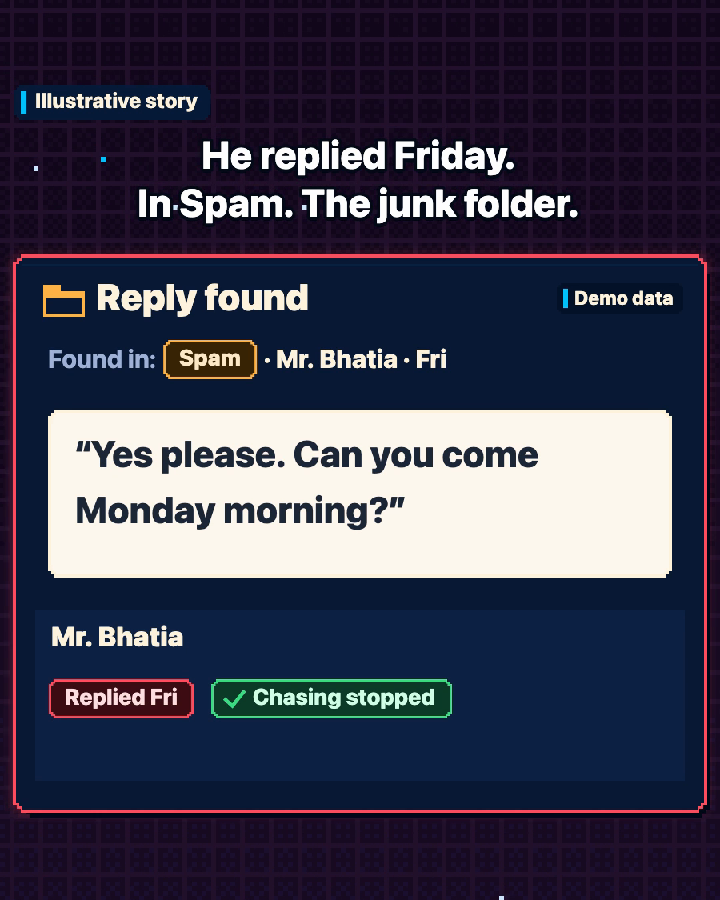
A customer can reply and you never see it, because the email went to Spam, the junk folder. After you take an email out of Spam, Gmail Help says future emails from that sender won't go to Spam.
Gmail Help also says that when you add someone to Google Contacts, Gmail stops sending their emails to Spam, so save your regular customers there.
Silence doesn't always mean no. It can mean busy, comparing, travelling, or a reply you never saw.
How the automatic follow-up runs
On the list
You send a quote, and it goes onto one list with a check-in day.
Check-in
On that day, a friendly message goes out by itself at a sensible hour.
Reply check
Every hour, it looks for replies in every folder, Spam included.
Reply in
A customer replies, the chasing stops, and the reply goes to your inbox.
Closed
With no reply after the last check-in, one polite closing message goes out and the quote closes.
Nobody has to remember the follow-up. It runs by itself.
Copy-and-paste messages
FAQ
Won't customers find it pushy?
Not when it's two or three calm messages that stop once they reply.
Can it do this on WhatsApp instead of email?
Yes, and it follows WhatsApp's rules. Customers must first agree to get messages from your business, and the request must name your business. Any reply can be sent within 24 hours of the customer's last message. After that, messages go out as WhatsApp-approved set messages, called templates.
Customers must also be able to reach you another way, such as your phone number or email. WhatsApp's rules ask for this when replies are automatic. The rules are linked under Sources.
Will it make up prices or promises?
It is built not to. It uses the details already in your quote and adds nothing else.
Want this built for your business?
How we help: AI automation. In plain words: we build the whole follow-up for you, using your message wording, so it runs by itself.
Book a free fit callFree, 20 minutes. It doesn't start paid work.
Sources
- Gmail Help: Report spam in Gmail (the "Report not spam" steps and the Google Contacts note)Checked 7 Nov 2026
- Meta for Developers: Get opt-in for WhatsAppChecked 30 Oct 2026
- Meta for Developers: WhatsApp "Service messages" (the 24-hour window)Checked 30 Oct 2026
- WhatsApp Business Messaging Policy, section 2 (last updated 23 Sep 2026)Checked 30 Oct 2026