Skip to content

Updated

Reply and follow up

CRM automation services in India

Cenqora Labs offers CRM automation services in India and worldwide. Our CRM automation saves, sorts and follows up your leads. We set up or build your CRM, one list of your leads and customers, so every new enquiry is handled and counted by itself.

Where CRM automation helps.

  • · Suits

    Businesses in any industry that want every lead in one list.

  • · Time

    Planned at 1 to 2 weeks for Starter.

  • · You provide

    A sheet of your leads with no repeats.

  • · Best for

    Follow-ups sent by themselves, with CRM + Automation Standard.

What does CRM automation include?

Starter saves and sorts your leads. Standard also sends follow-ups by itself. Custom is a CRM built around your business, with code and hosting owned by you.

CRM Starter Setup

Your chosen CRM set up with a pipeline, users, your clean records imported, a lead source connected, automation rules, a dashboard and training.

CRM data migration brings your records across and removes repeats. It is sold separately.

Ask about this

CRM + Automation Standard

Several pipelines, more users and automations, integrations, automated follow-up sequences, routing rules, retries and failure alerts, dashboards and training.

Sending WhatsApp by itself needs WhatsApp Setup, sold separately.

Ask about this

Custom CRM

A web CRM built for you as custom software, with code and hosting owned by you: leads, contacts, deals, pipelines, roles, WhatsApp and email automation, integrations, reports and admin. Product Blueprint first.

Sending WhatsApp by itself needs WhatsApp Setup, sold separately.

Ask about this
If you connect WhatsApp

Built on the official WhatsApp Business Platform: messages go to customers who opted in, replies are sent within 24 hours of the customer's last message, WhatsApp-approved templates are used after that, and there is always a direct way to reach your team.

How does CRM automation work? One example.

Here is an example. Every project is built around your business, with scope and price agreed in writing before work starts.

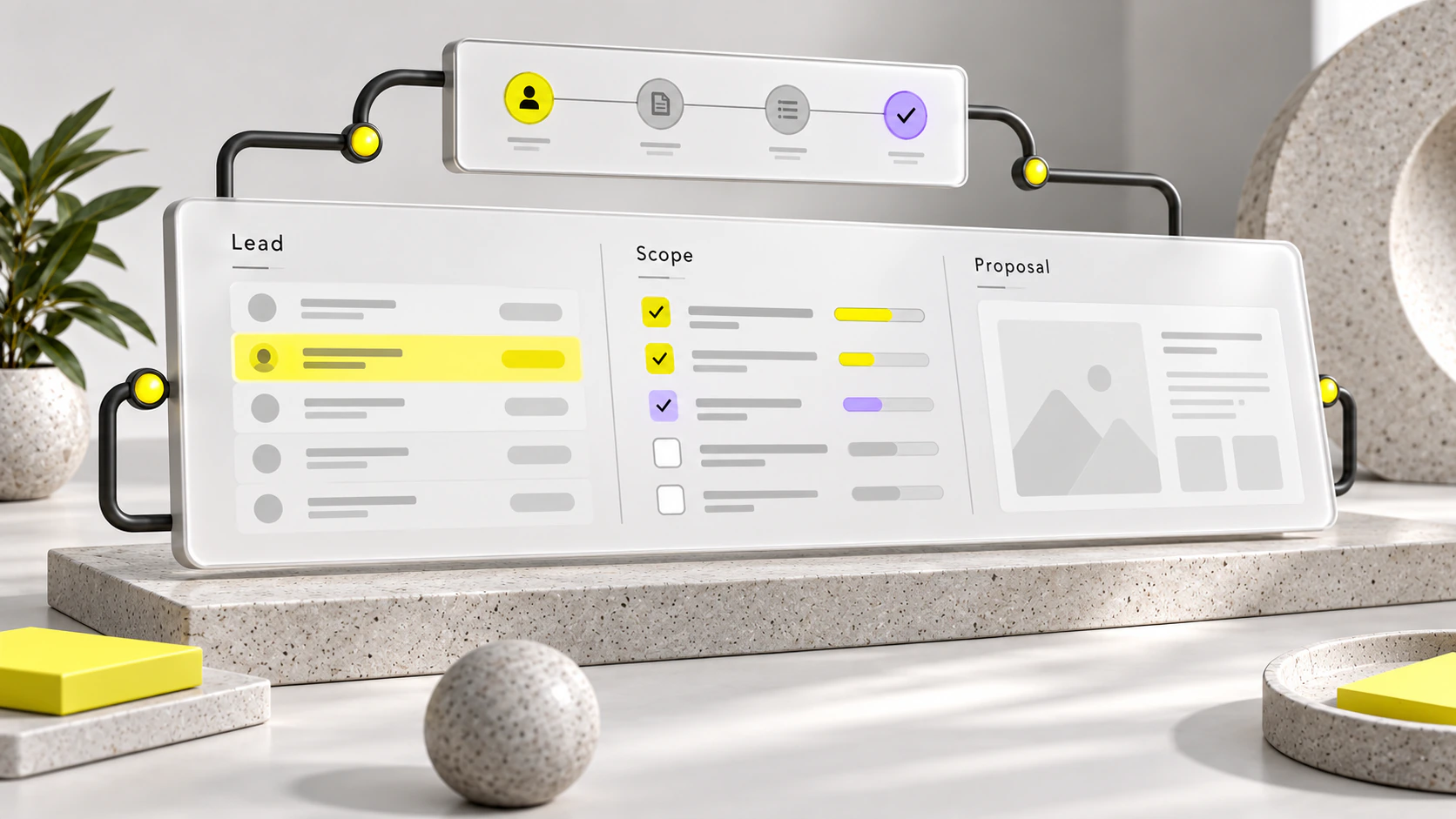
A growth system showing acquisition channels, lead qualification, follow-up and sales reporting.

Revenue operations: pipeline view

A sales pipeline connecting qualified enquiries, proposals and forecasts.

How it runs

A new lead lands in the CRM.

  1. Form in

    A visitor fills in the quote form on your website.

  2. Saved

    The name, number and request are saved to your CRM straight away.

  3. Tagged

    A rule marks the lead New and notes that it came from your website.

  4. Counted

    Your dashboard, one screen of numbers, counts it as a new lead.

Deliverables

What do you get with CRM automation?

  • Your chosen CRM, set up

    With pipelines, users, automation rules and dashboards.

  • Your old leads brought in

    Put your old leads in one sheet and we bring them in.

  • New leads saved by themselves

    New leads arrive by themselves from your connected source, such as a website form.

  • A tested set-up

    We send a sample lead from your source and check that it reaches your list, the rules run and the dashboard shows it.

How we work.

  1. 01

    Free fit call

    A free 20-minute talk about which service fits.

  2. 02

    Written plan

    Custom builds get a paid Product Blueprint first. For other services, a written Quick Check is optional.

  3. 03

    Build

    We build it, connect it to your tools and test it.

  4. 04

    Launch

    It goes live, with free defect fixes for 30, 60 or 90 days, depending on its size.

  5. 05

    Care

    An optional care plan keeps it running, or you ask for changes by the hour after a written estimate.

CRM automation essentials.

  • How we check Starter: We send a sample lead from your source and check that it reaches your list, the rules run and the dashboard shows it.

See CRM automation prices ↗

CRM automation questions, answered.

What is CRM automation?

CRM automation is a customer list that fills and updates by itself. Each new enquiry is saved as a lead, given a stage, counted on a dashboard and followed up with no copying by hand. Cenqora Labs sets up the CRM you choose, or builds a custom one, for businesses across India and worldwide.

Which CRM does Cenqora Labs work with?

Cenqora Labs works with the CRM you use or choose, if it connects to other apps. If you have none, we suggest one on the free fit call, or build a custom CRM for you. A custom CRM starts with a Product Blueprint, a written plan, and its code and hosting are owned by you.

Do I need a CRM before starting CRM automation?

No. If you have no CRM, Cenqora Labs suggests one on the free fit call and sets it up with a pipeline, users, automation rules and a dashboard. You provide a sheet of your leads with no repeats. If you already use a CRM, we build the CRM automation inside it where it connects to other apps.

How do my leads get into the CRM?

Put your old leads in one sheet and we bring them in. New leads arrive by themselves from your connected source, such as a website form or a website chatbot. Cenqora Labs tests the CRM automation with a sample lead. See pricing for what each plan includes.

What happens to my old leads?

Your old leads are brought into the CRM. Put them in one clean sheet with no repeats, and Cenqora Labs imports them during CRM Starter Setup. If your records sit in another CRM or in several sheets with repeats, CRM data migration brings them across and removes the repeats. It is sold separately.

Can leads from a marketplace or an ad form go into my CRM by themselves?

Yes, where the lead source lets other software connect. Cenqora Labs connects that source to your CRM, so each new lead is saved, marked with where it came from and counted on your dashboard. We check your lead sources on the free fit call and tell you what can be connected before work starts.

Can CRM follow-ups go out by themselves?

Yes, with CRM + Automation Standard from Cenqora Labs, which adds automated follow-up sequences and connects tools such as WhatsApp, lead forms or email. WhatsApp follow-ups go to customers who opted in, under WhatsApp's own rules. They also need WhatsApp Setup, sold separately: see WhatsApp automation.

How long does CRM automation take?

CRM Starter Setup from Cenqora Labs is planned at 1 to 2 weeks. You provide a sheet of your leads with no repeats. The timeline for CRM + Automation Standard or a custom CRM is agreed in writing before work starts. A custom CRM begins with a Product Blueprint, a written plan.

What changes the cost of CRM automation?

The cost of CRM automation depends on the number of pipelines, users, lead sources, automations and dashboards, and on whether you use a ready CRM or a custom one built for you. Your CRM's own subscription is paid to its provider. Cenqora Labs lists each plan on CRM automation pricing.

Can you guarantee leads or sales?

No one can guarantee leads or sales, because they depend on your prices and service too. CRM automation makes sure every lead is saved, tracked and followed up, and Cenqora Labs tests it with a sample lead before handover. To bring in more enquiries, see performance marketing.

Tell us what you want to improve.

On the free 20-minute fit call, we name the right option for your business.