
Applications
See automation run in three example businesses.
Cenqora Labs builds complete working systems like these for businesses in any industry. These are examples of how the systems work.
01 / Application
A business reminds a customer about an unpaid cart.
This uses Store Starter and Ads Setup + Tracking. The reminder is AI automation.
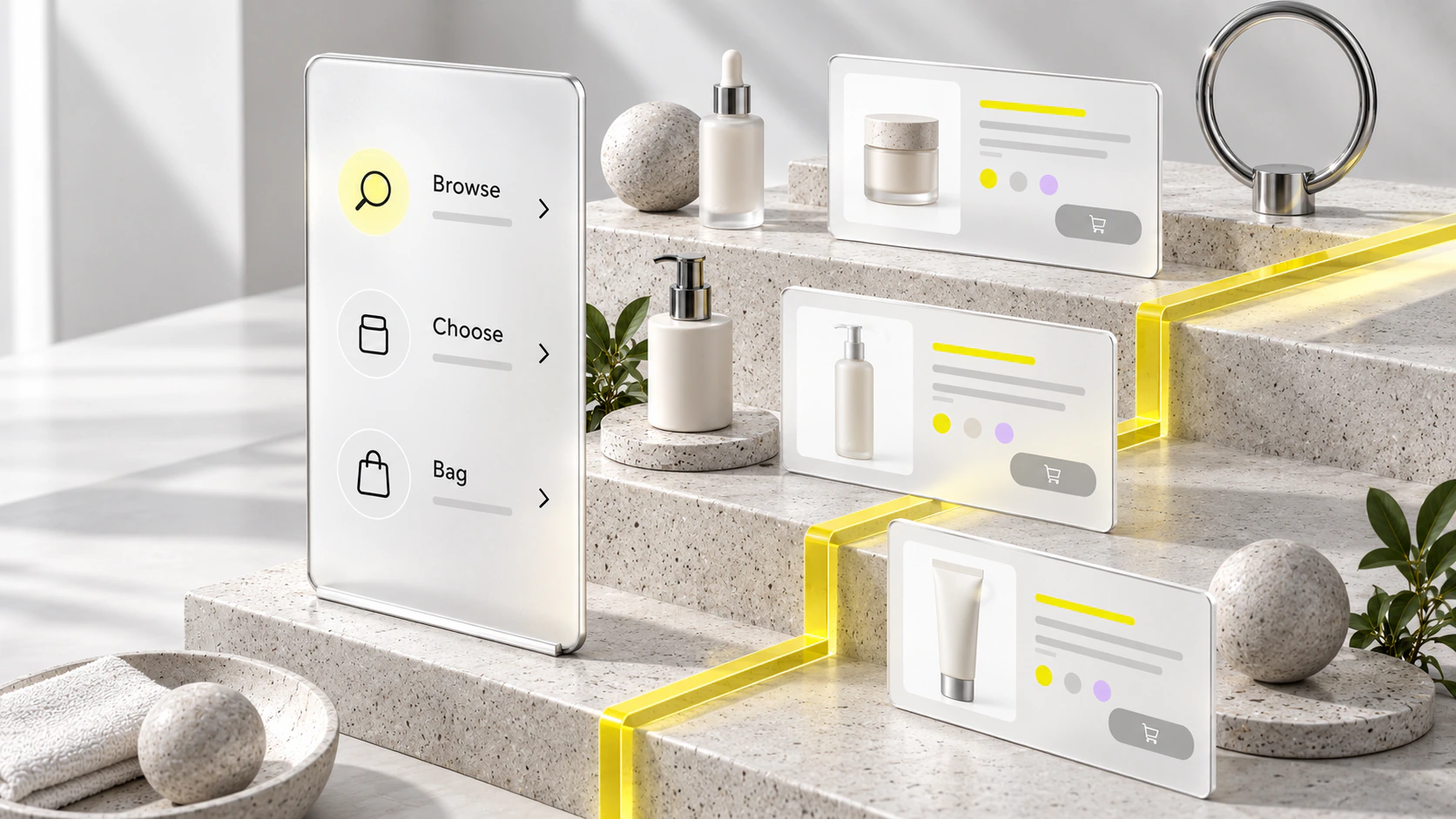
How it runs
How the cart reminder runs.
Ad tap
A customer taps an Instagram ad for a business.
Cart left
The customer agrees to reminders and leaves the cart without paying.
Reminder
An hour later, a cart reminder goes out by itself.
Paid
The customer comes back, agrees to order updates and pays.
Order update
The next day the order ships, and an update goes out.
02 / Application
A business handles a visit request.
This uses WhatsApp Lead Bot and Review Request Automation. The saved request is CRM automation.
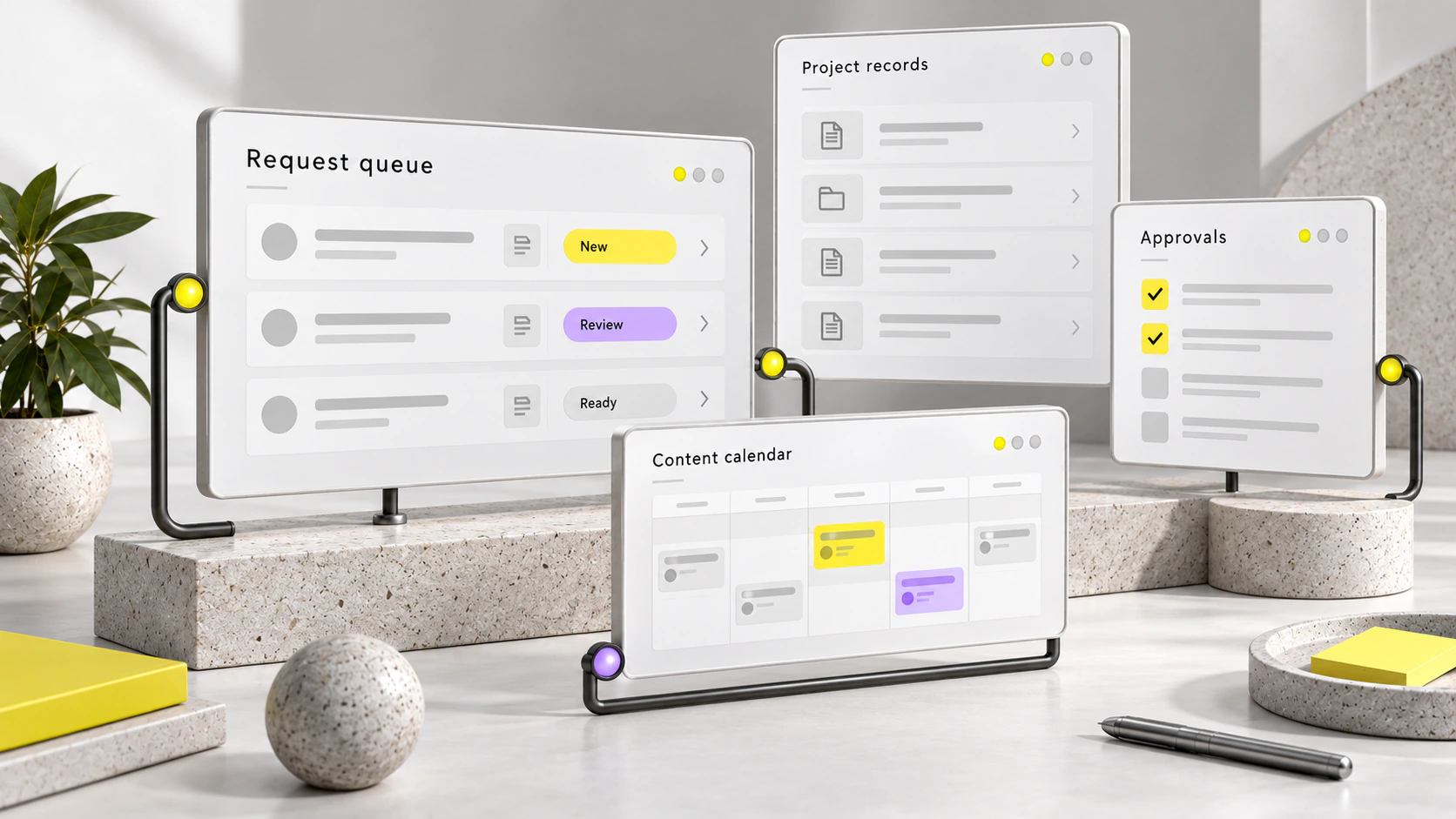
How it runs
How the visit request runs.
Message in
On Monday, a customer messages a business on WhatsApp about a visit.
Quick reply
The customer taps Visit on the automated assistant's buttons and agrees to messages.
Request saved
The visit request is saved by itself.
Follow-up
On Friday, a WhatsApp-approved message follows up on the request.
Review request
After the visit, a message asks the customer for a review.
This flow follows WhatsApp's own rules.
WhatsApp's rules
Built on the official WhatsApp Business Platform: messages go to customers who opted in, replies are sent within 24 hours of the customer's last message, WhatsApp-approved templates are used after that, and there is always a direct way to reach your team.
03 / Application
A business checks its numbers.
This uses KPI Dashboard.
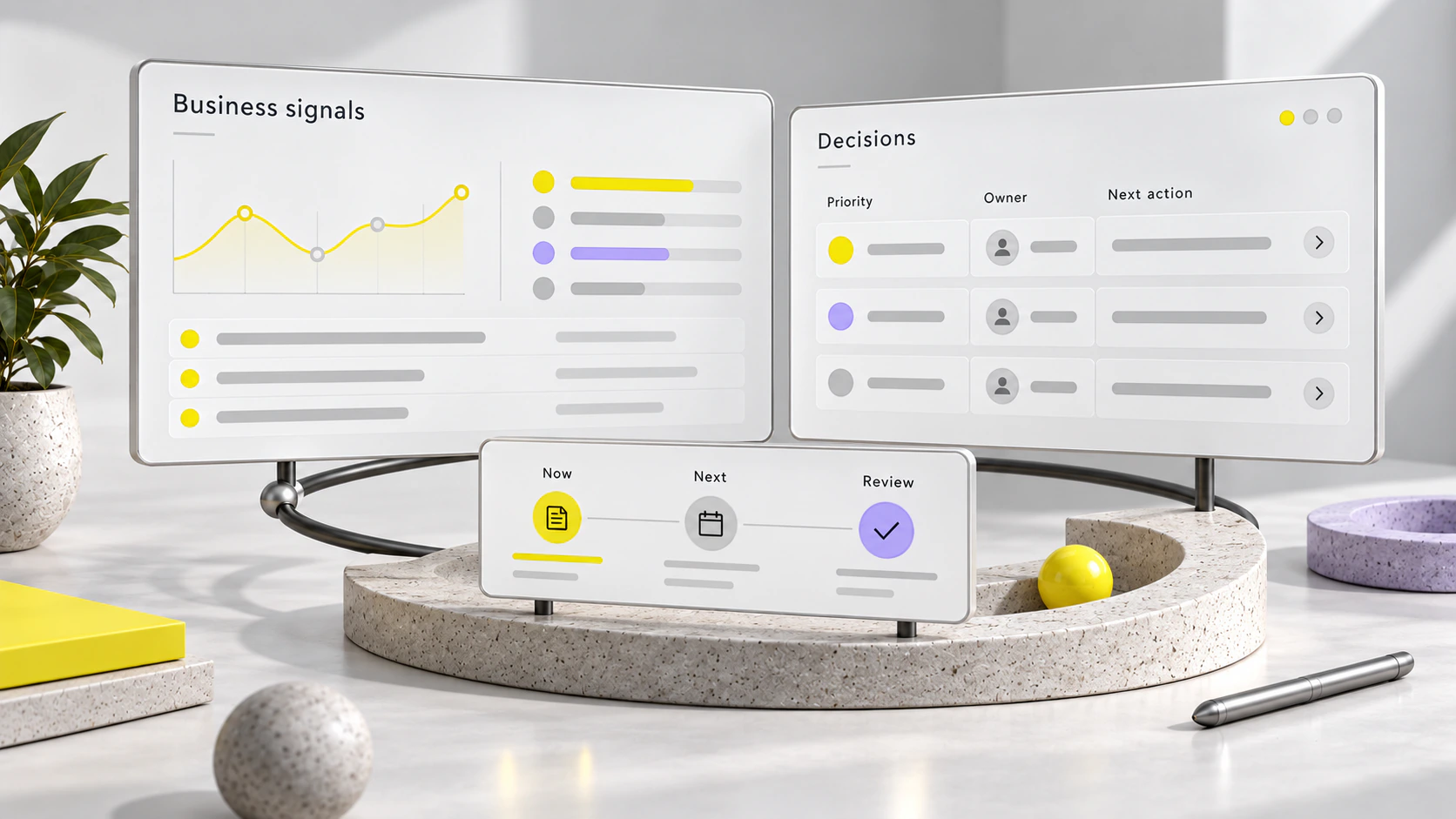
How it runs
How the numbers screen runs.
Orders
The store records each new order waiting to ship.
Enquiries
The customer list records each new enquiry.
Reviews
The tracking sheet logs each review request sent.
Refresh
Each morning the screen refreshes by itself from all three.
One screen
Your team opens one screen and sees the counts below.
Your business context
Tell us what you want to improve.
The free 20-minute fit call tells you which service suits you.
